


NameBadge Captured 609 Emails From 9,000 Impressions
NameBadge.com used a Gleam Capture exit-intent popup with a 15% coupon to collect 609 emails from close to 9,000 Impressions.
Author
Products Used
Date of Publication
The team set up one exit-intent Capture in about five minutes. It collected 609 emails from close to 9,000 Impressions.
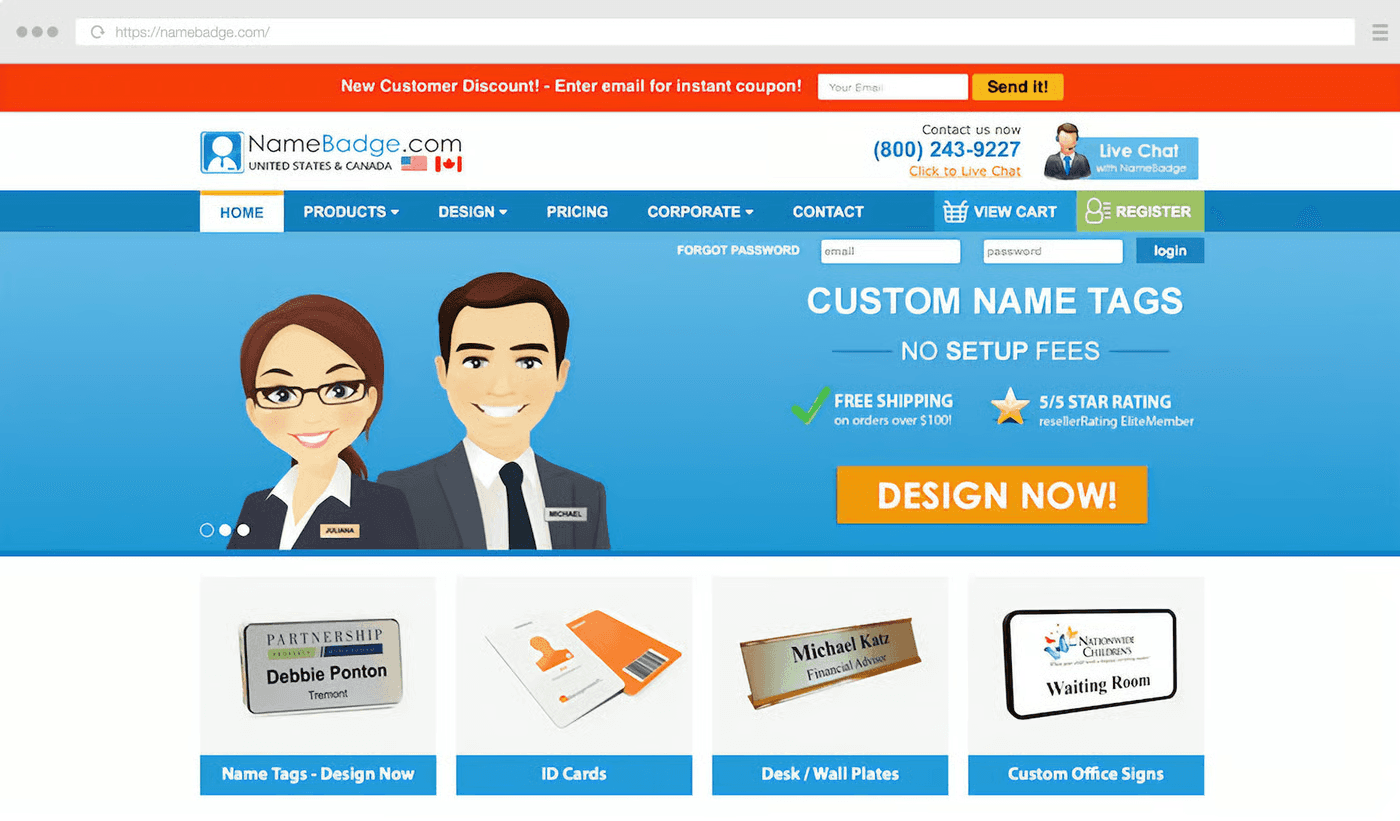
NameBadge.com sells custom name badges to businesses across the USA. Visitors who left the badge designer without buying saw a 15% coupon in exchange for an email address.
"
Since we started JUST the exit intent, our conversion rate has seen a drastic jump. Meaning that people leaving the site see the popup and realize they should buy because we offer a coupon.

Daniel Colelle
Marketing Manager, NameBadge.com
Overview
Daniel Colelle, the marketing manager at NameBadge.com, was already paying for traffic from Google Ads (AdWords at the time). He added our Capture app to offer a coupon to visitors who were about to leave.
Setup took one line of JavaScript and about five minutes. In the time the popup has run, 609 visitors entered their email address.
About NameBadge.com
NameBadge.com produces high quality name badges and accessories for businesses across the USA.
They offer a very specific product, which means when someone searches for name badges, they’re generally in a transactional frame of mind.
The marketing team wanted to convert as many visitors as possible. They also saw an opening to win back people who started designing a name badge and then left.
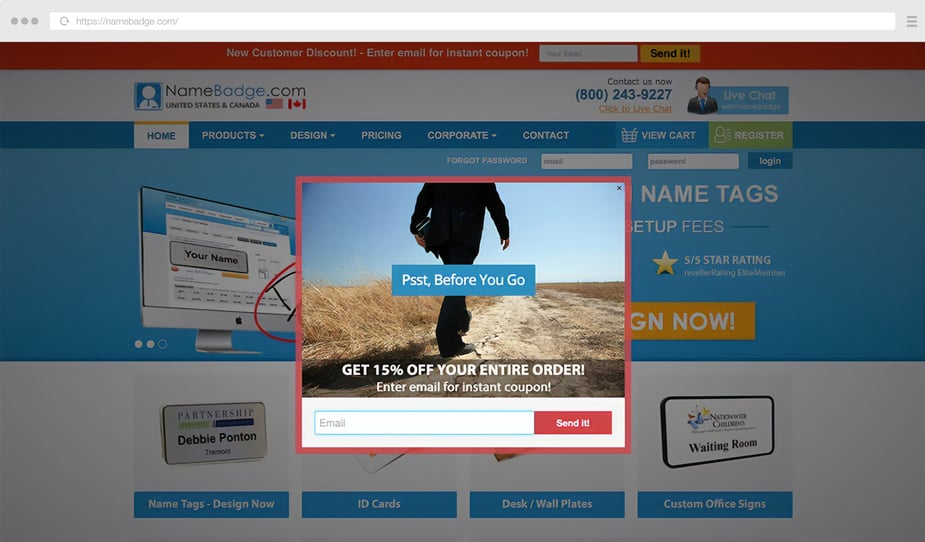
A 15% Coupon on Exit
One of the issues that Daniel faced was no reliable way to display an offer when a visitor was about to abandon the site.
NameBadge.com uses Gleam Capture to offer abandoning visitors an instant 15% coupon. You add the On Exit rule during setup and Capture shows the popup when a visitor moves to leave.
Since we started JUST the exit intent, our conversion rate has seen a drastic jump. Meaning that people leaving the site see the popup and realize they should buy because we offer a coupon.
Daniel Colelle from NameBadge.com

The popup has had close to 9,000 Impressions. 609 visitors entered their email address, a Conversion Rate of 6.8%.
Its 100% trackable in the way that we have noticed our conversion COST going down drastically and our conversion rate increasing.
Daniel Colelle from NameBadge.com
Daniel says the coupon code now shows up on 5 to 10 orders a day:
We are getting around 5 to 10 orders a day that are using that coupon code – so those users that were about to leave, end up staying, using the coupon code and buying from the site!
Daniel Colelle from NameBadge.com
Key Growth Takeaways
One Offer, Accept or Close
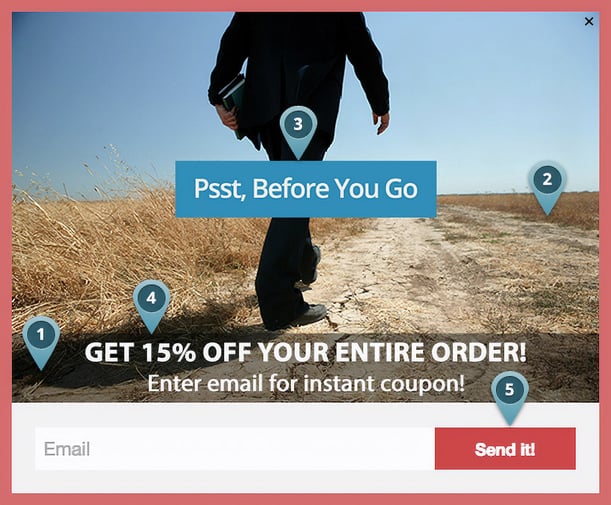
The popup makes one offer. A visitor can enter an email address for 15% off or close the window. There’s nothing else to choose between.

Big Type, One Photo

A visitor about to leave is often looking at something else. Forbes wrote about multi-screen use in 2014. The popup answers with a full-width photo, a blue label and white headline type.
Fifteen Words on the Whole Popup
The popup text runs fifteen words: “Psst, Before You Go”, “GET 15% OFF YOUR ENTIRE ORDER!” and “Enter email for instant coupon!”

A 15% Coupon for the Undecided
The popup offers 15% off the entire order for an email address, so a visitor who’s still weighing the purchase gets a reason to finish it. Capture can show an offer only when a rule fires, like the On Exit rule here, instead of to every visitor.

One Ask, One Email Address

The form has a single field. The email address gets the visitor a coupon and gives NameBadge.com a way to contact them again.
Five Design Choices Behind the Popup
Show one call to action
Use big type and a bold photo
Keep the text short
Offer a coupon to visitors who are leaving
Ask for one thing, an email address




Want to Be Featured?
Are you satisfied with your Gleam experience? Share a testimonial with us:
Inspired by this Case Study?
Sign up now and create your next-level marketing campaign:
Or
