
Check Your Giveaway Before You Launch
Check Your Giveaway Before You Launch
Answer a few questions about your campaign before you launch and get a specific list of things to fix first.
Answer a few questions about your campaign before you launch and get a specific list of things to fix first.



3 Things to Check Before You Launch
3 Things to Check Before You Launch
Each one is easier to fix before the first entry than after it.
Each one is easier to fix before the first entry than after it.
Set Your Mandatory Action First
Decide which Action matters most, usually the email signup, and make it mandatory before you launch. Changing a mandatory Action once entries are coming in can break the entry flow. Connect and test your email platform too, and check that each field maps to the right list.


Test It on Your Phone
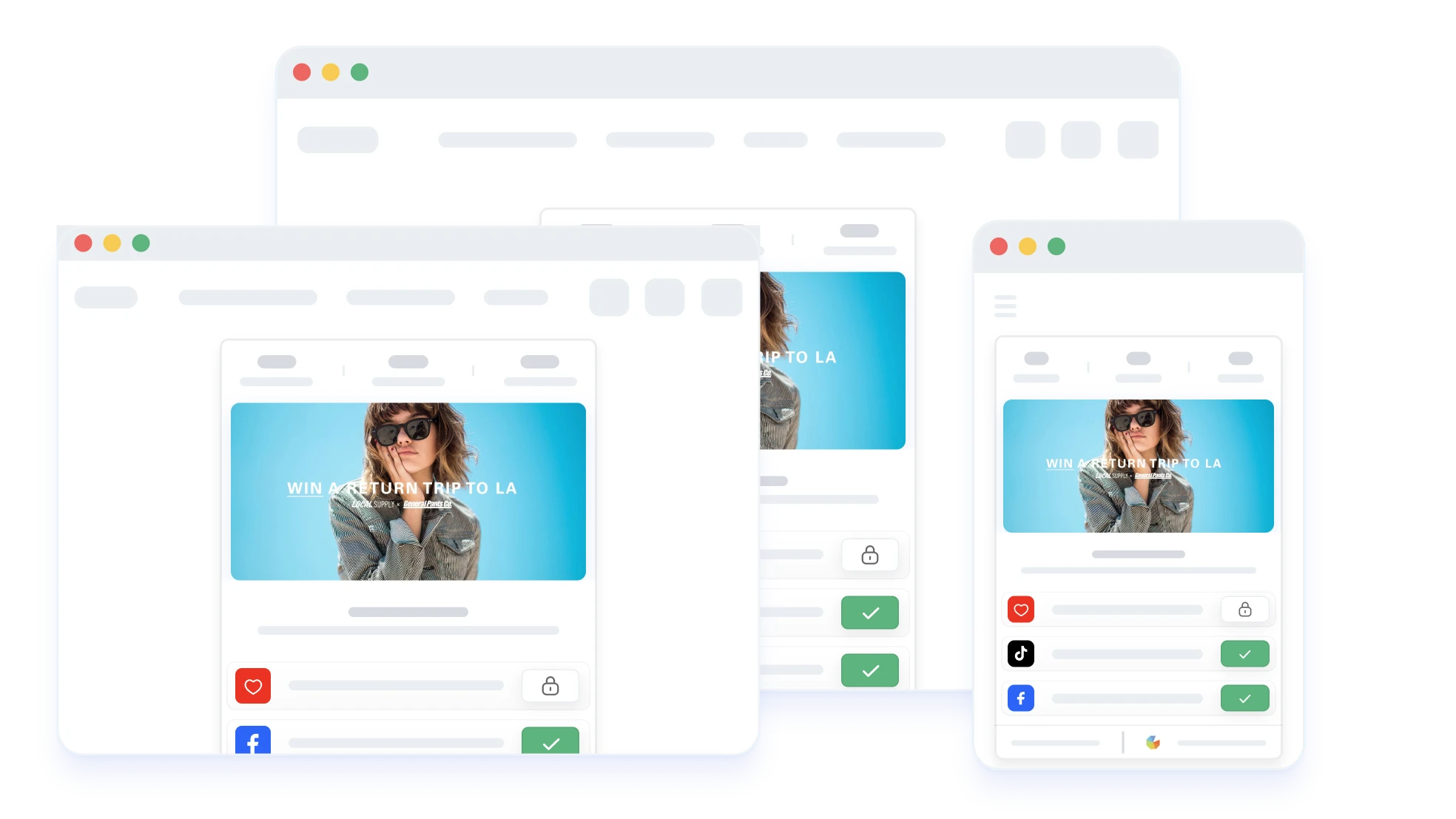
A form that works on desktop can be slow or confusing on a small screen. Open your giveaway on your phone and go through every entry step as a first-time entrant. Fix anything slow or unclear before you promote it.
Publish Your Terms Before the First Entry
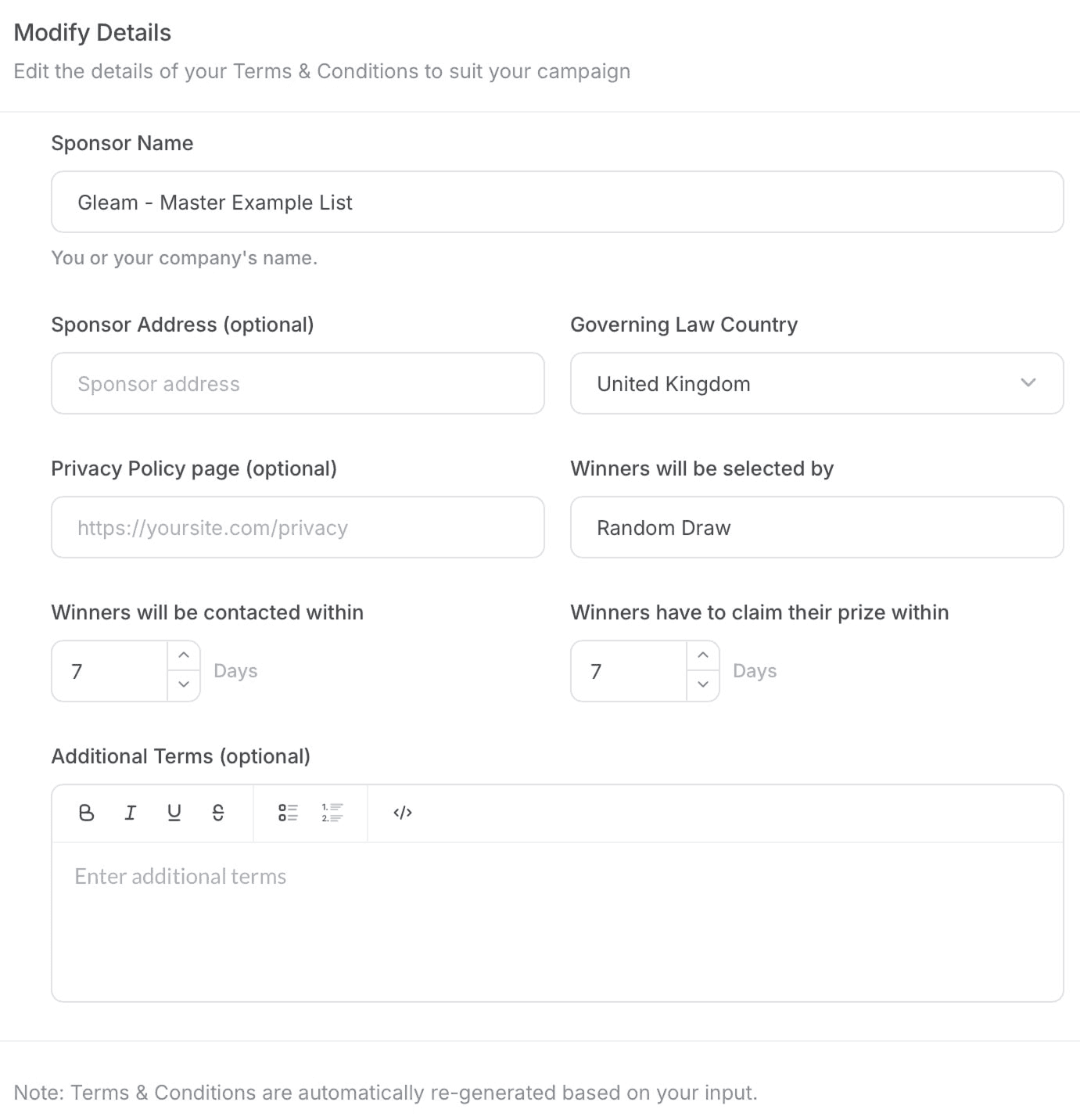
Gleam generates terms and conditions from your giveaway settings in the Setup tab, and you can edit them. Check they are complete and live before the first entry comes in, because entrants agree to the rules that are in place when they enter.

Read This Before You Press Publish
Setup guides, legal checklists, and promotion playbooks for your first campaign.






Frequently Asked Questions About Launching a Giveaway
?

Check Your Giveaway Before You Launch
Answer a few questions about your campaign before you launch and get a specific list of things to fix first.
3 Things to Check Before You Launch
Each one is easier to fix before the first entry than after it.
Set Your Mandatory Action First
Decide which Action matters most, usually the email signup, and make it mandatory before you launch. Changing a mandatory Action once entries are coming in can break the entry flow. Connect and test your email platform too, and check that each field maps to the right list.
Test It on Your Phone
A form that works on desktop can be slow or confusing on a small screen. Open your giveaway on your phone and go through every entry step as a first-time entrant. Fix anything slow or unclear before you promote it.
Publish Your Terms Before the First Entry
Gleam generates terms and conditions from your giveaway settings in the Setup tab, and you can edit them. Check they are complete and live before the first entry comes in, because entrants agree to the rules that are in place when they enter.
Read This Before You Press Publish
Setup guides, legal checklists, and promotion playbooks for your first campaign.
Read This Before You Press Publish
Setup guides, legal checklists, and promotion playbooks for your first campaign.
Frequently Asked Questions About Launching a Giveaway
?
Playbooks
Apps
Competitions
Rewards
Captures
Gallery
About Gleam
Apps
Competitions
Rewards
Captures
Gallery
About Gleam